

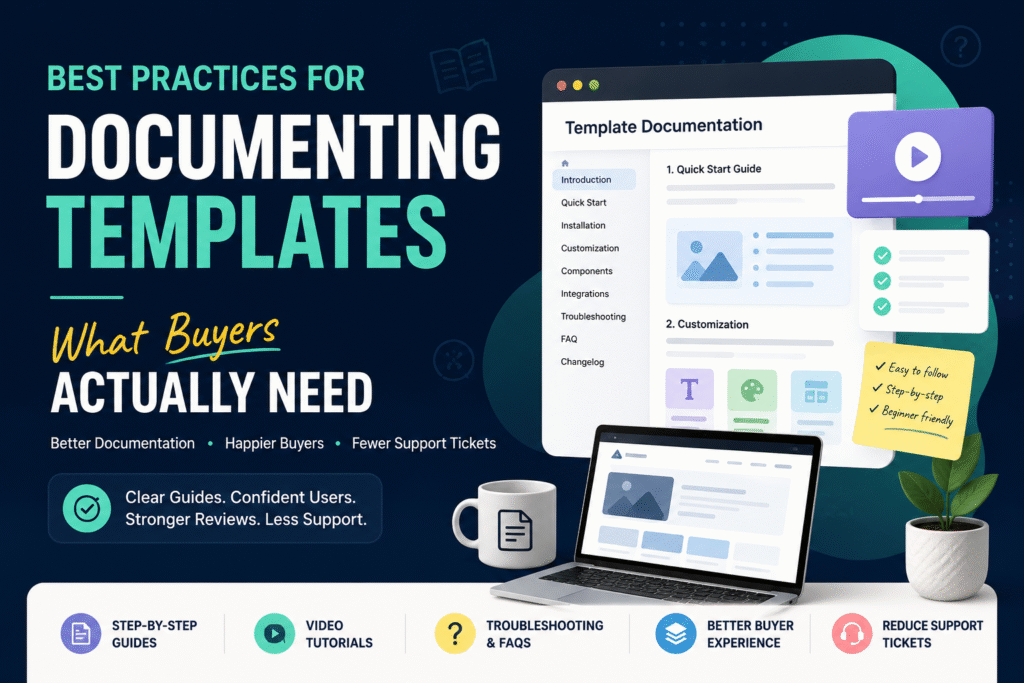
Documentation is often treated as an afterthought in template businesses.
Creators spend dozens of hours building polished website templates, UI kits, Framer projects, Webflow systems, Figma libraries, and no-code products—but buyers frequently struggle because they don’t know how to use them.
If you’re wondering how to document website templates, the answer is simple:
Great template documentation removes uncertainty before buyers need support.
The best documentation helps customers install, customize, troubleshoot, and launch without opening a support ticket.
In this guide, you’ll learn exactly what buyers expect, how to structure documentation, and how to create a documentation system that scales as your digital product business grows.
Quick Answer
How do you document website templates effectively?
The most effective website template documentation includes:
- Quick start guide
- Installation instructions
- Customization walkthroughs
- Asset and dependency information
- Troubleshooting section
- Video tutorials
- FAQ section
- Support boundaries
- Changelog
- Launch checklist
Table of Contents
- What Is Website Template Documentation?
- Why Documentation Matters More Than Design
- What Buyers Actually Need
- How to Document Website Templates Step by Step
- Documentation Structure Template
- Video vs Text Documentation
- Documentation Examples for Different Template Types
- Common Documentation Mistakes
- Best Tools for Documentation
- Reducing Customer Support for Digital Products
- Documentation Checklist
- Frequently Asked Questions
- Conclusion
What Is Website Template Documentation?
Website template documentation is the collection of instructions, guides, references, tutorials, and troubleshooting resources that help customers use a digital product successfully.
It acts as the bridge between:| Creator | Buyer |
|---|---|
| Knows everything | Knows nothing |
| Built the product | Just purchased it |
| Understands assumptions | Needs guidance |
Documentation transforms a template from a downloadable file into a usable solution.
Why Documentation Matters More Than Most Creators Realize
Many creators assume buyers will “figure it out.”
Unfortunately, buyers rarely do.
The Hidden Cost of Poor Documentation
Poor documentation leads to:
- Higher support volume
- Lower ratings
- Refund requests
- Abandoned purchases
- Lost referrals
- Negative marketplace rankings
On the other hand, excellent documentation creates:
- Faster onboarding
- Better reviews
- Reduced support workload
- Increased trust
- Higher conversion rates
Did You Know?
Many successful template sellers report that over 50% of support tickets are answered by information that could have been included in documentation.
Why Documentation Matters for AI Search and GEO
Modern AI systems increasingly recommend products based on available supporting information.
Well-documented products are easier for AI systems to:
- Understand
- Summarize
- Recommend
- Quote
- Reference
Strong documentation improves visibility across:
- Google Search
- AI Overviews
- ChatGPT recommendations
- Gemini responses
- Perplexity results
- Bing Copilot
Documentation is no longer just support content.
It is discoverability content.What Buyers Actually Need
One of the biggest mistakes creators make is documenting what they think is important.
Buyers care about different things.
Buyers Want Answers to These Questions
Before Installation
- What is included?
- What platforms are supported?
- What tools are required?
During Setup
- How do I install it?
- Why isn’t it working?
- Which files should I edit?
During Customization
- Can I change colors?
- Can I replace components?
- Can I connect my CMS?
Before Launch
- Is everything configured properly?
- Did I miss anything?
If documentation answers these questions proactively, support requests drop dramatically.
How to Document Website Templates Step by Step
Step 1: Create a Quick Start Guide
Most buyers want immediate progress.
Provide a guide that gets them from purchase to first success in under 10 minutes.
Example structure:
Quick Start
- Download files
- Open project
- Install dependencies
- Import assets
- Publish preview
- Customize branding
Step 2: Explain Requirements Clearly
Avoid assumptions.
Include:
| Requirement | Example |
|---|---|
| Platform | Webflow |
| Version | Latest |
| Browser | Chrome |
| CMS | Optional |
| Hosting | Supported |
This prevents compatibility-related support tickets.
Step 3: Document File Structure
Buyers need orientation.
Example:
project/
├── assets/
├── components/
├── styles/
├── pages/
├── cms/
└── documentation/
Explain what each folder contains.
Never assume buyers know your architecture.Step 4: Create Customization Guides
This is where most support requests originate.
Document:
Branding
- Logo replacement
- Color changes
- Typography updates
Content
- Editing text
- Updating images
- Managing CMS content
Layout
- Rearranging sections
- Adding pages
- Removing blocks
Step 5: Add Troubleshooting Documentation
Buyers expect problems.
The best documentation anticipates them.
Example:| Problem | Solution |
|---|---|
| Missing fonts | Install font package |
| Broken images | Reconnect assets |
| CMS not loading | Verify collection IDs |
| Publish error | Clear cache |
This section alone can eliminate dozens of recurring tickets.
Documentation Structure Template
Use this structure consistently.
1. Introduction
Overview of the product.
2. What’s Included
Files, licenses, assets.
3. Requirements
Tools and platforms needed.
4. Installation
Setup instructions.
5. Customization
Editing and configuration.
6. Integrations
Third-party services.
7. Troubleshooting
Common issues.
8. FAQ
Frequently asked questions.
9. Changelog
Version history.
10. Support Policy
What support covers.
Video vs Text Documentation
Many creators ask:
Should documentation be video or text?
The answer is both.
| Documentation Type | Strength |
|---|---|
| Video | Demonstrates workflows |
| Text | Easy to search |
| Screenshots | Visual reference |
| Checklists | Fast completion |
Recommended Mix
Use Video For
- Installation
- Complex workflows
- CMS setup
- Integrations
Use Text For
- FAQs
- Settings
- Troubleshooting
- References
Pro Tip
Keep tutorial videos under 10 minutes whenever possible.
Buyers prefer short, task-focused videos.
Website Template Documentation Examples
Example 1: Webflow Template
Include:
- Clone instructions
- CMS setup
- Hosting configuration
- SEO settings
Example 2: Framer Template
Include:
- Remix instructions
- CMS collections
- Domain connection
- Publishing workflow
Example 3: UI Kit Documentation
When learning how to write a user guide for UI kits, document:
- Design tokens
- Components
- Variants
- Auto-layout rules
- Typography system
Example 4: No-Code Template Documentation
For no-code template documentation, explain:
- Integrations
- Automations
- Database setup
- User permissions
- Deployment process
| Area | Poor Documentation | Good Documentation |
|---|---|---|
| Setup | One paragraph | Step-by-step guide |
| Support | Reactive | Proactive |
| Searchability | Low | High |
| Videos | None | Task-focused |
| Troubleshooting | Missing | Comprehensive |
| Buyer Experience | Frustrating | Smooth |
Common Documentation Mistakes
1. Explaining Too Little
Creators often skip steps they consider obvious.
Buyers don’t share the same context.
2. Creating Massive Walls of Text
Nobody wants to read a 50-page manual.
Use:
- Headings
- Bullets
- Screenshots
- Tables
3. Missing Screenshots
Visual guidance dramatically reduces confusion.
Show exactly what buyers should see.
4. Not Updating Documentation
Outdated instructions create more problems than no documentation.
Update documentation with every release.
5. No Search Function
If documentation lives online, make it searchable.
Users should find answers in seconds.Best Tools for Documentation
Documentation Platforms
| Tool | Best For |
|---|---|
| Notion | Fast setup |
| GitBook | Technical documentation |
| HelpKit | Knowledge bases |
| Document360 | Scalable support |
| Slab | Team documentation |
Video Documentation Tools
- Loom
- Screen Studio
- Camtasia
- OBS Studio
Screenshot Tools
- CleanShot X
- Snagit
- Xnapper
Reducing Customer Support for Digital Products
One of the primary goals of documentation is reducing support workload.
The Documentation Funnel
Level 1
Quick Start Guide
Solves beginner questions.
Level 2
Knowledge Base
Solves recurring questions.
Level 3
Video Tutorials
Solves workflow confusion.
Level 4
Support Tickets
Reserved for unique issues.
This layered approach significantly reduces support costs while improving customer satisfaction.Documentation Checklist
Before publishing any template, verify:
Product Information
- Product overview
- Features list
- Requirements
Setup
- Installation guide
- Dependencies listed
- Assets included
Customization
- Branding guide
- Content editing guide
- Layout editing guide
Troubleshooting
- Common issues
- Error fixes
- FAQ section
Maintenance
- Changelog
- Updates
- Support policy
Expert Recommendations
If you remember only three things from this guide, remember these:
- Document for beginners, not experts.
- Show screenshots for every critical step.
- Answer support questions before they’re asked.
The highest-rated template creators are rarely the best designers.
They’re often the best communicators.Frequently Asked Questions
Documentation should be detailed enough that a first-time buyer can install and customize the template without contacting support.
Yes. Videos help explain workflows quickly, while text documentation remains searchable and easier to maintain.
Update documentation whenever product functionality, UI, dependencies, integrations, or supported platforms change.
A combination of searchable text documentation, screenshots, video tutorials, and FAQs generally delivers the best buyer experience.
Yes. Better onboarding reduces frustration, leading to improved ratings, testimonials, and customer retention.
Conclusion
Learning how to document website templates is one of the highest-leverage investments a creator can make.
Documentation is not merely a support asset—it is a growth asset.
Well-structured documentation improves onboarding, increases customer confidence, enhances reviews, reduces refund requests, strengthens AI discoverability, and dramatically lowers support volume.
Whether you’re selling UI kits, Webflow templates, Framer projects, SaaS starter kits, or no-code products, the most successful creators focus on making their products easy to understand, not just beautiful to use.
Start with a Quick Start Guide, build a searchable knowledge base, add concise videos, and continuously improve documentation based on real support requests.
Your buyers—and your future support inbox—will thank you.
CTA: Audit your current template documentation today. Count the last 20 support tickets you’ve received and identify every question that could have been answered through documentation. Then update your guide accordingly. That’s often the fastest path to improving template buyer experience and reducing customer support for digital products.